

What is AETHER Coder
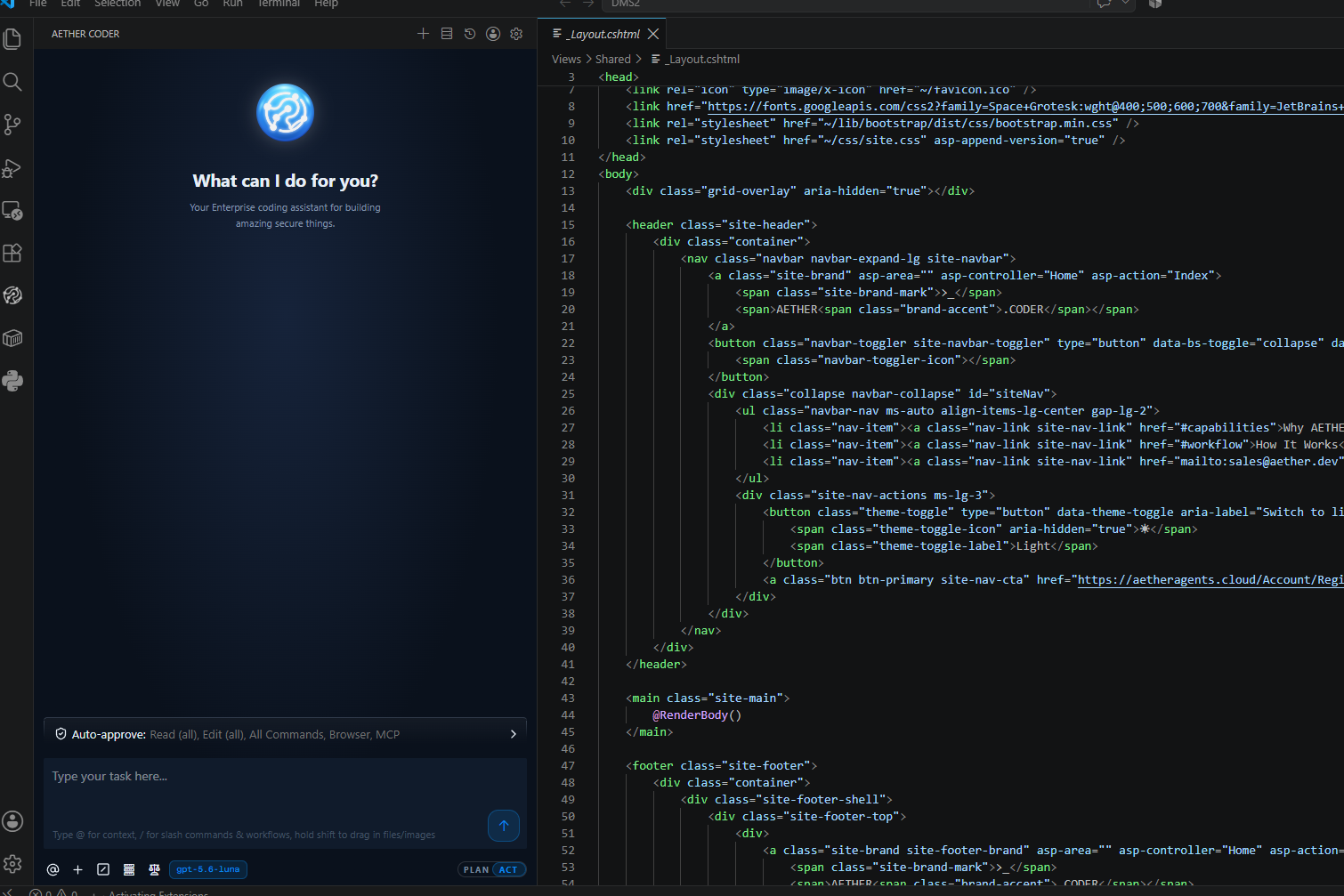
AETHER Coder is a Visual Studio Code extension that turns an AETHER agent into a coding agent working directly in your project — reading files, writing edits, running commands and asking before it does anything consequential. You describe the outcome you want in plain language, and the agent explores the code, proposes an approach, and then makes the changes while you review each step.
It is the same agent your organisation already builds, governs and pays for in AETHER, brought to the editor where you actually work. Nothing about the way your organisation controls its AI changes when a developer installs the extension — the controls simply follow the agent into VS Code.
The split that matters
The extension is only the front end. Everything that matters commercially, legally and operationally stays on your AETHER platform.
| The extension, in VS Code | Your AETHER platform |
|---|---|
| Shows the panel, the plan and the diffs | Chooses the model behind the agent |
| Reads and writes files in your project | Holds the knowledge base and the tools |
| Runs terminal commands you approve | Enforces budgets and credit limits |
| Sends your prompt to one endpoint | Records every session for audit |
A developer never manages a model key, never picks a model, and never signs up with an AI provider. The extension talks only to the AETHER endpoint you configure, so your code and your prompts stay inside your platform boundary.
The practical consequence is that when your organisation changes model, tightens a budget or adds a knowledge source, every developer picks the change up on their next message. Nobody has to reinstall anything, and nobody is quietly running last quarter's settings.
Core concepts
Six ideas cover almost everything you will meet in the panel.
| Concept | What it means |
|---|---|
| Task | One unit of work, from your first message to the agent's summary. Each task has its own transcript and its own entry in your history. |
| Plan / Act | Two modes. In Plan the agent thinks and proposes; in Act it changes things. You switch when you are happy with the approach. |
| Approval | The agent asks before it edits a file, runs a command or calls a tool — unless you have chosen to auto-approve that kind of action. |
| Checkpoint | A restore point saved as the task progresses, so you can roll the workspace back to an earlier moment without touching source control. |
| Access token | Your personal aeth_… token. It travels with every request, so each coding session is attributed to you rather than to a shared key. |
| Agent | The AETHER agent behind the session. It supplies the model, the knowledge base, the tools and the budget the task runs under. |
A typical session strings them together: you open a task, the agent works in Plan mode until you agree the approach, you switch it to Act, and from then on each edit, command and tool call comes back to you as an approval, with a checkpoint behind every step in case you want to go back.
Note: the agent is chosen once, in your connection settings, not per task. If you need a different model or a different knowledge base, your administrator changes the agent in AETHER — you do not change anything in the editor.
What you need before you start
- A published AETHER agent with Code Agent enabled. Code Agent mode is a setting on the agent itself; see Enabling Code Agent Mode and Publishing & Environments.
- The agent's API key. It appears on the agent's published page — see Publishing & Environments.
- Your personal access token. Generate it under My Account → Access Tokens; see Access Tokens.
- Visual Studio Code
1.84or later. Earlier versions cannot load the extension; see Install the Extension.
You do not need a marketplace account, a model API key, or any other extension. If you are missing the agent or the key, your platform administrator supplies them; the access token is the one thing only you can create.
What it can do
- Plan first, then implement — it explores the project, proposes an approach, and only starts changing files once you switch it to Act.
- Read and edit files — every change arrives as a reviewable diff you can save or reject, across as many files as the task needs.
- Run terminal commands — builds, tests, migrations and scripts, each one approved by you before it runs.
- Search your organisation's knowledge — the agent queries the AETHER knowledge base server-side, so its answers reflect your standards, not the open internet. See Adding Knowledge Sources.
- Call your platform's tools — the MCP tools attached to the agent are available during a coding task. See Connecting MCP Tools.
- Understand screenshots and mock-ups — attach up to four images to a single message, with a combined limit of 20 images and files.
- Restore to any checkpoint — if a task goes the wrong way, roll back and try a different instruction.
- Follow a task from a phone or a second screen — the Remote Developer View mirrors the panel into a browser, so you can watch and approve away from your desk while the work stays on your machine.
Everything it does runs against your agent's budget, and everything is logged. See Cost, Budgets & Auditing and Setting & Monitoring Budgets.
What leaves the editor is governed on the platform too. Before anything reaches a model provider it is scanned for personal information and for credentials, and the agent's own policy decides whether that content is masked, removed or refused — see PII Guard and Secrets Guard.
What it will not do is act behind your back. It does not write to a file, run a command or call a tool without asking, unless you have explicitly auto-approved that kind of action — and it never commits or pushes on your behalf.
Next steps
- Install the Extension — download the package and add it to VS Code.
- Connect to AETHER — the three values that link the editor to your agent.
- Your First Task — a worked walkthrough from prompt to commit.