

Version History & Rollback
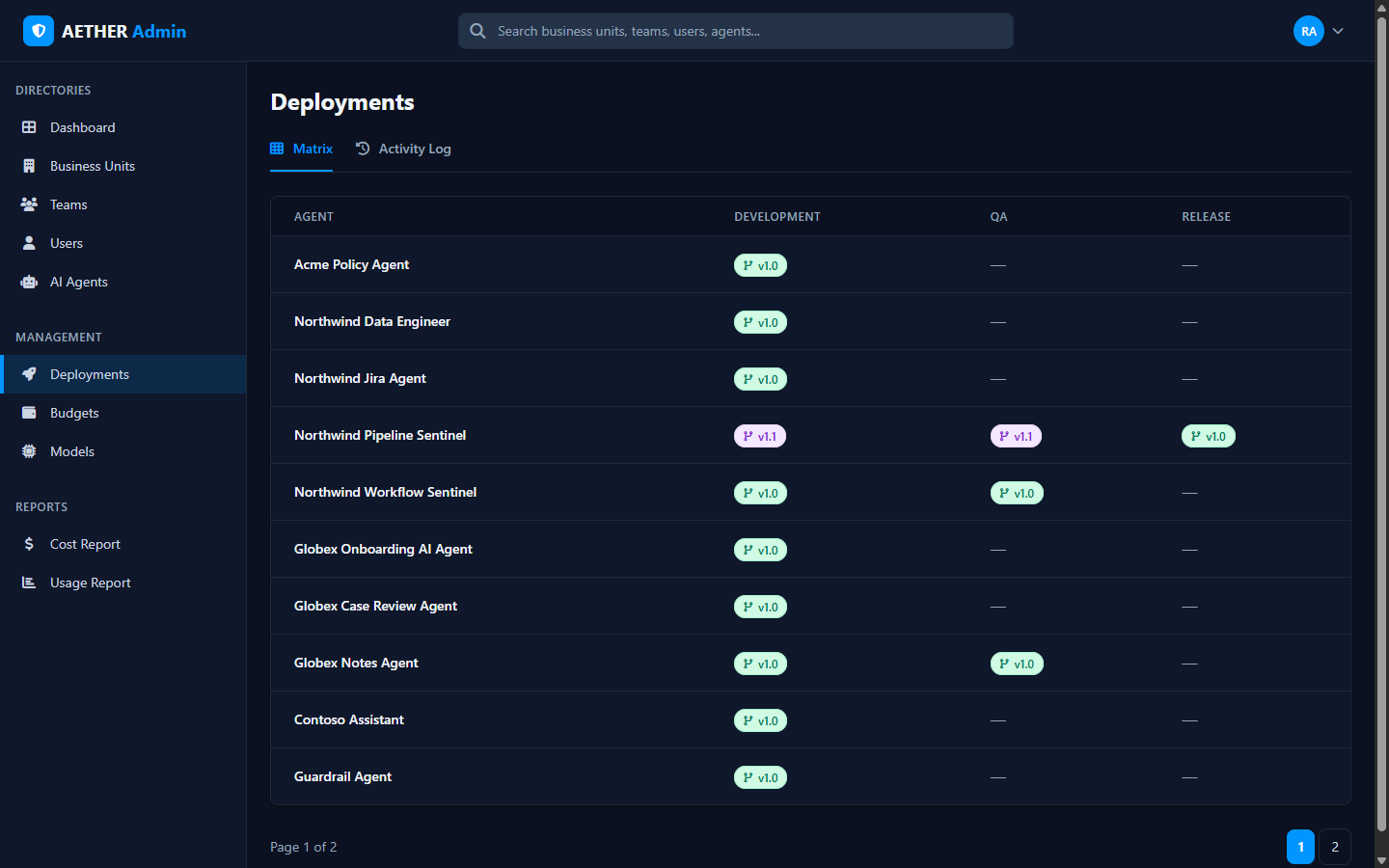
Every agent keeps a version history — a record of each published version, who created it, when, and why. From the Deployment Matrix, open an agent's version to see its history and to roll back if a release misbehaves.
What the history shows
For each version you can see:
- the version number (e.g.
v1.0,v1.1,v2.0), - what triggered it (a publish, a promotion, a rollback),
- an optional note,
- who created it and when, and
- which version is current in each environment.
Rolling back
If a newly-released version causes problems, you can roll back to a previous known-good version from the history. The rollback becomes the current version, and the action itself is recorded in the history and the Activity Log, so there's a complete audit trail.
Tip: Roll back first to stop the bleeding, then fix forward in Development and promote a new version through QA to Release.
Permissions
You can view and roll back versions for agents within your scope. Acting on an agent you don't administer is blocked.
Next steps
- Activity Log — every deployment event over time.
- Deployment Matrix — the environment-by-version overview.