

Business Units
Business Units are the top level of your organisation's structure. Each unit groups teams, users and the agents they own, and rolls up their usage and cost.
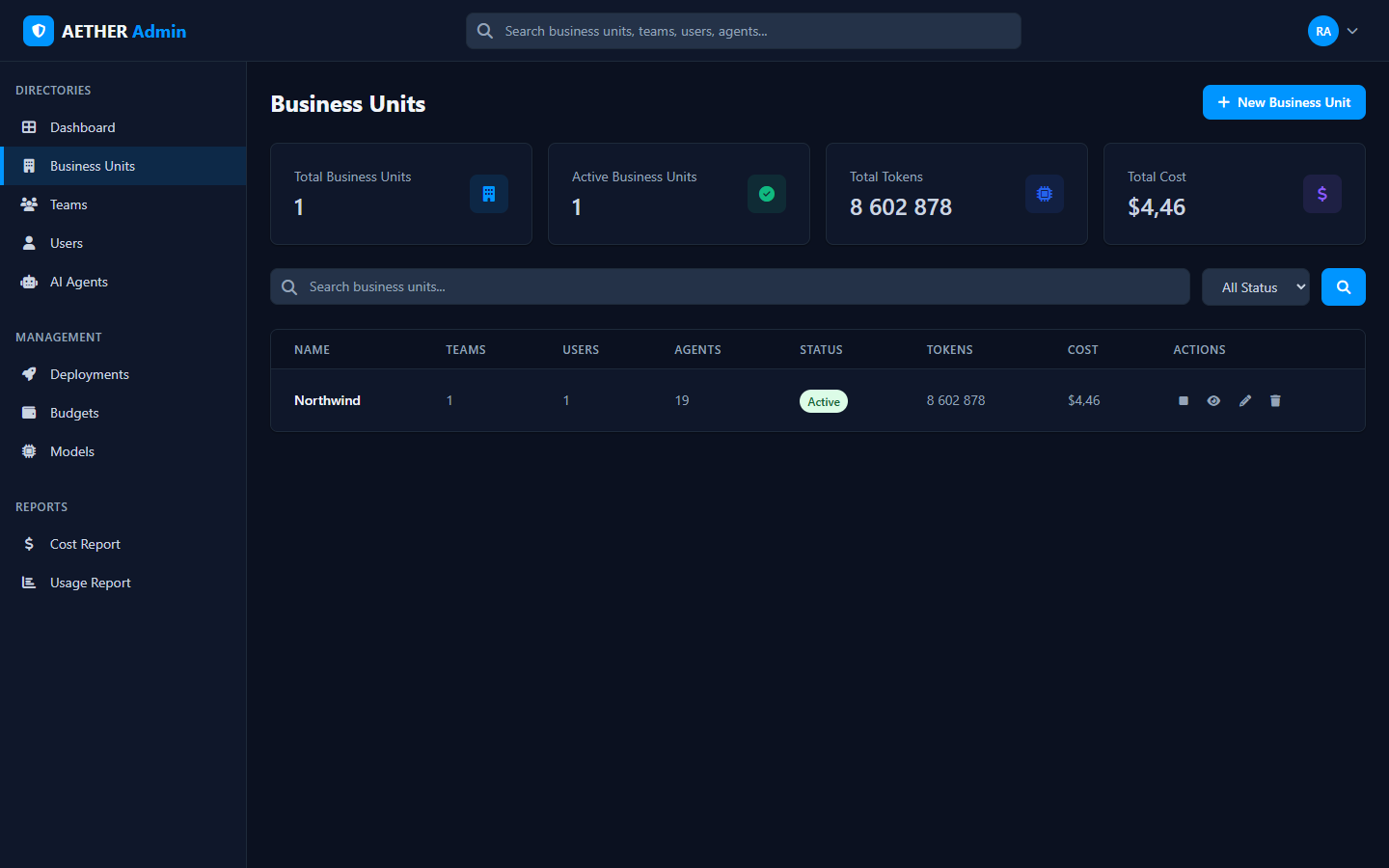
The directory
The Business Units page lists every unit in your scope with summary tiles (total/active units, total tokens and cost) and a table showing, per unit:
| Column | Meaning |
|---|---|
| Name | The business unit |
| Teams | Number of teams in the unit |
| Users | Members across the unit |
| Agents | Agents owned within the unit |
| Status | Active or inactive |
| Tokens / Cost | Aggregate usage and modelled spend |
| Actions | View, edit, disable or delete |
Use the search and status filter to narrow the list.
Managing units
- + New Business Unit creates a unit.
- View opens the unit's detail, where you can see its teams, members and agents.
- Edit changes its name and settings; Disable deactivates it without deleting.
Who can manage them
Business Units are managed by Business Unit admins and above. Organization admins see and manage every unit; a Business Unit admin manages only the unit(s) in their scope. See Overview & Admin Levels.