

The Admin Dashboard
The Admin Dashboard is the landing screen of the portal. It gives administrators an at-a-glance view of the organisation and quick links into each management area.
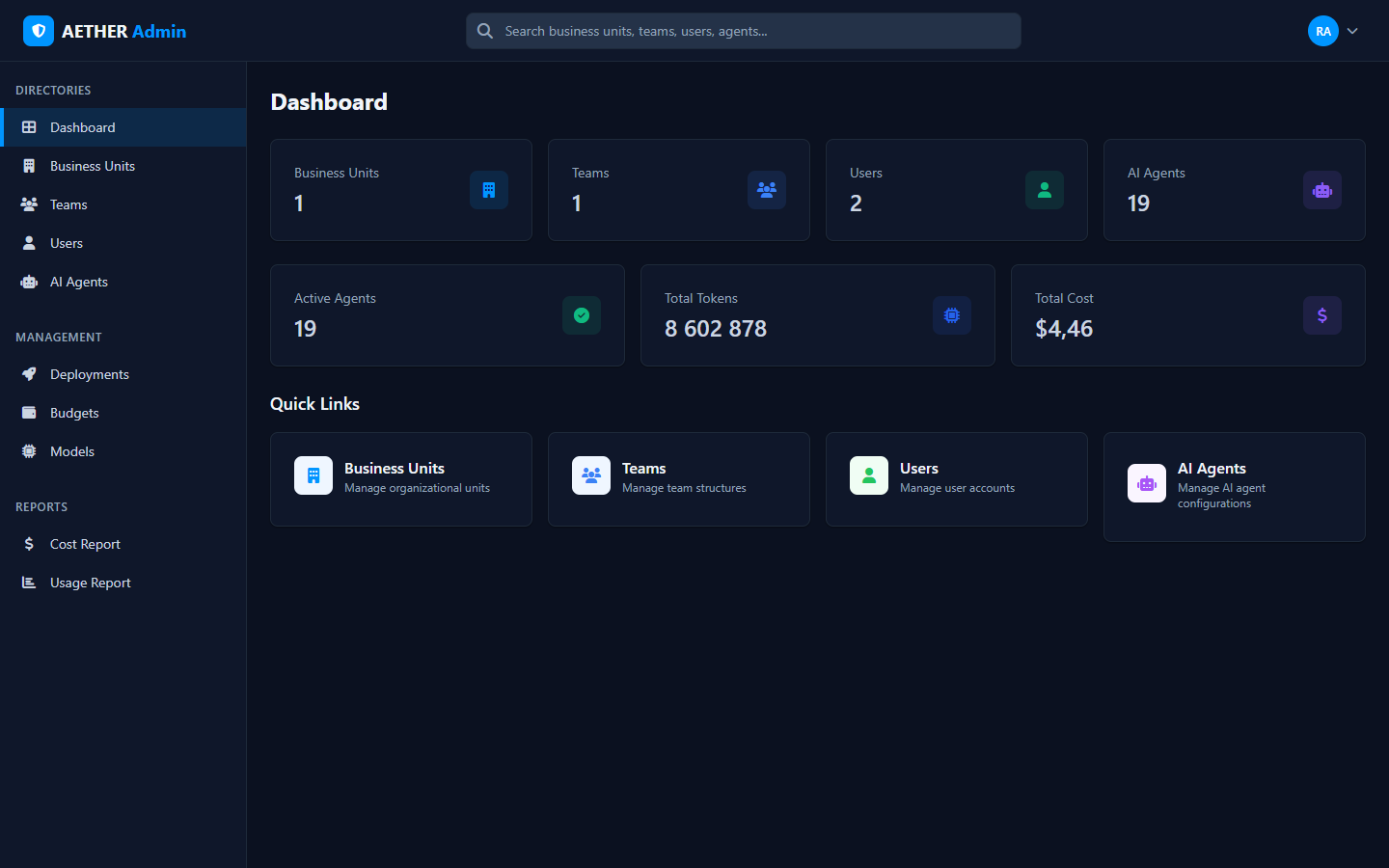
Summary tiles
Across the top, tiles summarise your scope:
- Business Units, Teams, Users — how many exist within your scope.
- AI Agents and Active Agents — total and currently-active agents.
- Total Tokens and Total Cost — aggregate usage and modelled spend.
These numbers always reflect your admin level: an Organization admin sees the whole org; a Business Unit or Team admin sees only their slice.
Navigation
The left sidebar is grouped into three sections:
- Directories — Dashboard, Business Units, Teams, Users, AI Agents.
- Management — Deployments, Budgets, Models.
- Reports — Cost Report, Usage Report.
The global search box in the header finds business units, teams, users and agents from anywhere in the portal — see Global Search.
Next steps
- Set up your organisation: Business Units.
- Review activity: Cost Report · Usage Report.