

Teams
Teams sit inside business units and group the users who work together — and the agents they own.
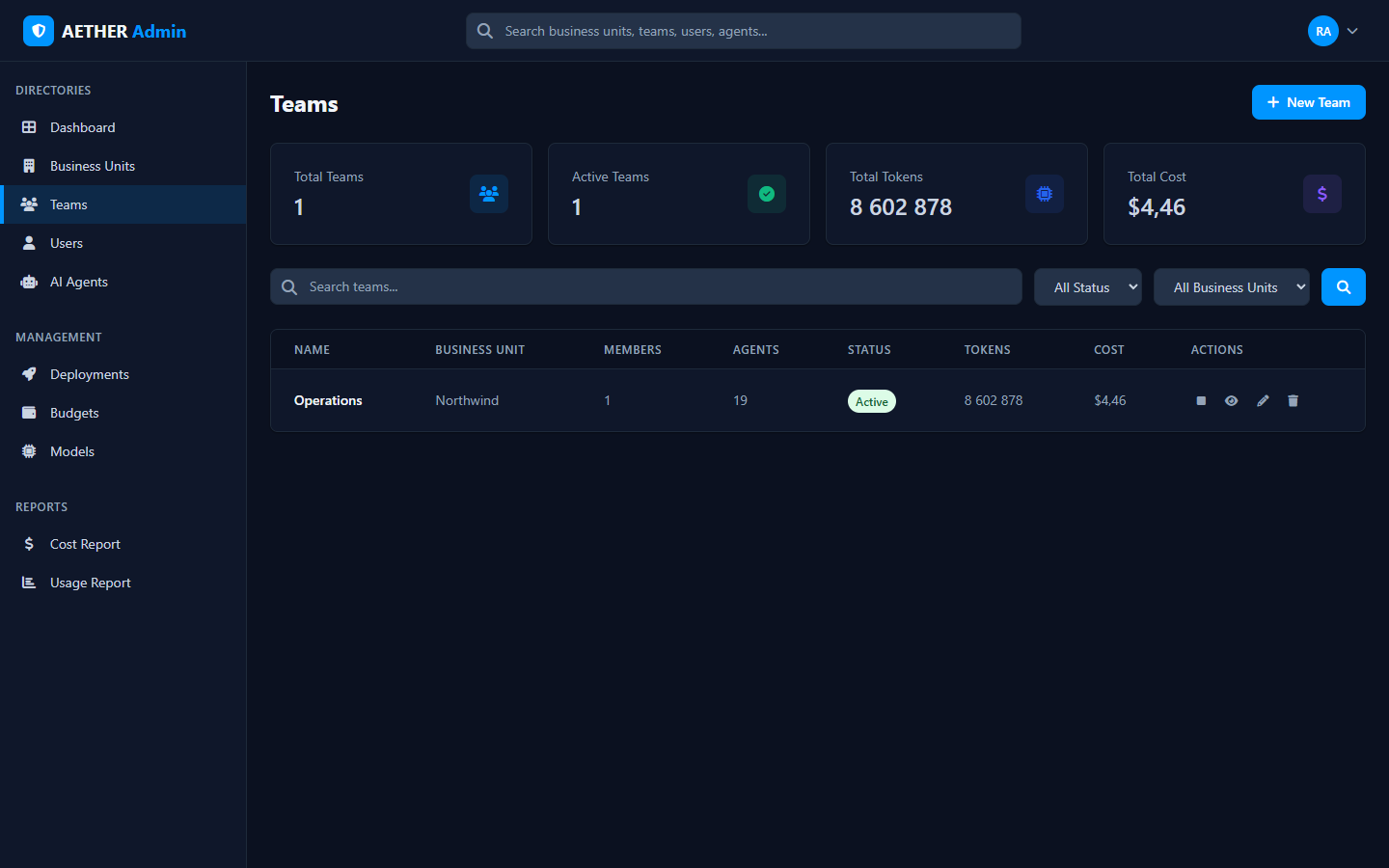
The directory
The Teams page lists teams in your scope with summary tiles and a table showing, per team:
| Column | Meaning |
|---|---|
| Name | The team |
| Business Unit | The parent unit |
| Members | Users in the team |
| Agents | Agents owned by the team |
| Status | Active or inactive |
| Tokens / Cost | Aggregate usage and modelled spend |
| Actions | View, edit, disable or delete |
Filter by status or business unit, and search by name.
Managing teams
- + New Team creates a team under a business unit.
- View opens the team detail, listing its members and agents.
- Edit / Disable manage the team's settings and active state.
Who can manage them
Teams are managed by Team admins and above, scoped to the units/teams they administer. A Team admin manages users and agents within their team(s); a Business Unit admin manages all teams beneath their unit.
Next steps
- Users & Scope — add and place people.
- Agent Management — the agents a team owns.